1 month
€4.99/mo
Billed monthly · No commitment
You’re not hardstuck — you’re playing blind. Rift.lol reads your ranked games, drafts, and fights with you — so you climb with real numbers, not vibes.
Unlock Premium first · then download the Windows app · Cancel anytime
Inside the app
You draft ahead, read every fight, and never lose the context — while you focus on getting better.
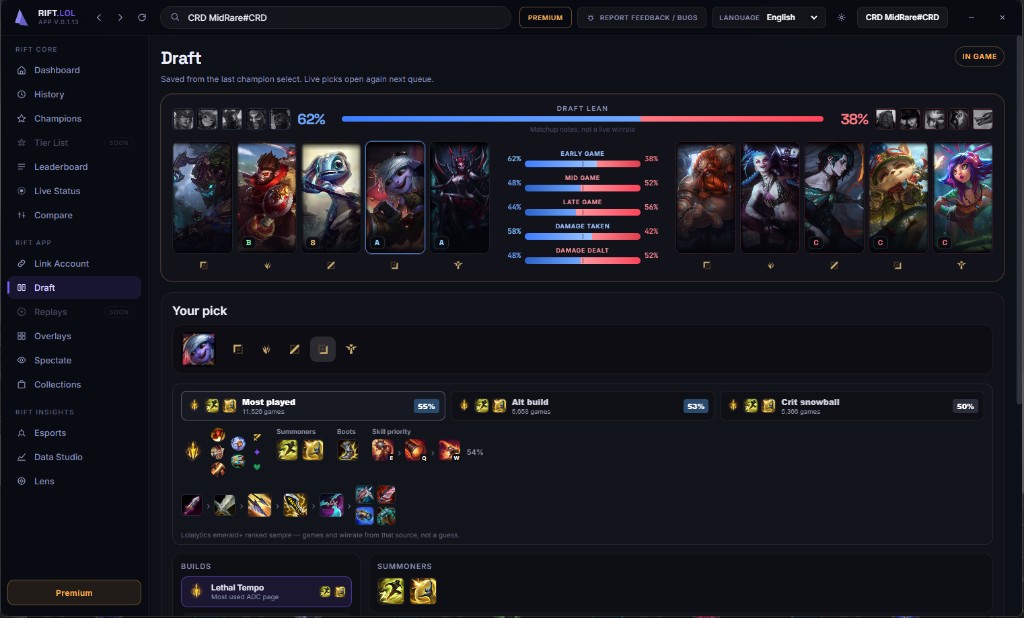
Draft assistant
Live draft lean, pick grades, and Emerald+ ranked builds — runes, summoners, starters, and skill order ready to send into League.
In-game overlay
The reads that separate a good player from a hardstuck one — live on your screen the moment they matter. Stop guessing at fights, timers, and builds.
Plenty more overlays · drag any of them anywhere
Get the app →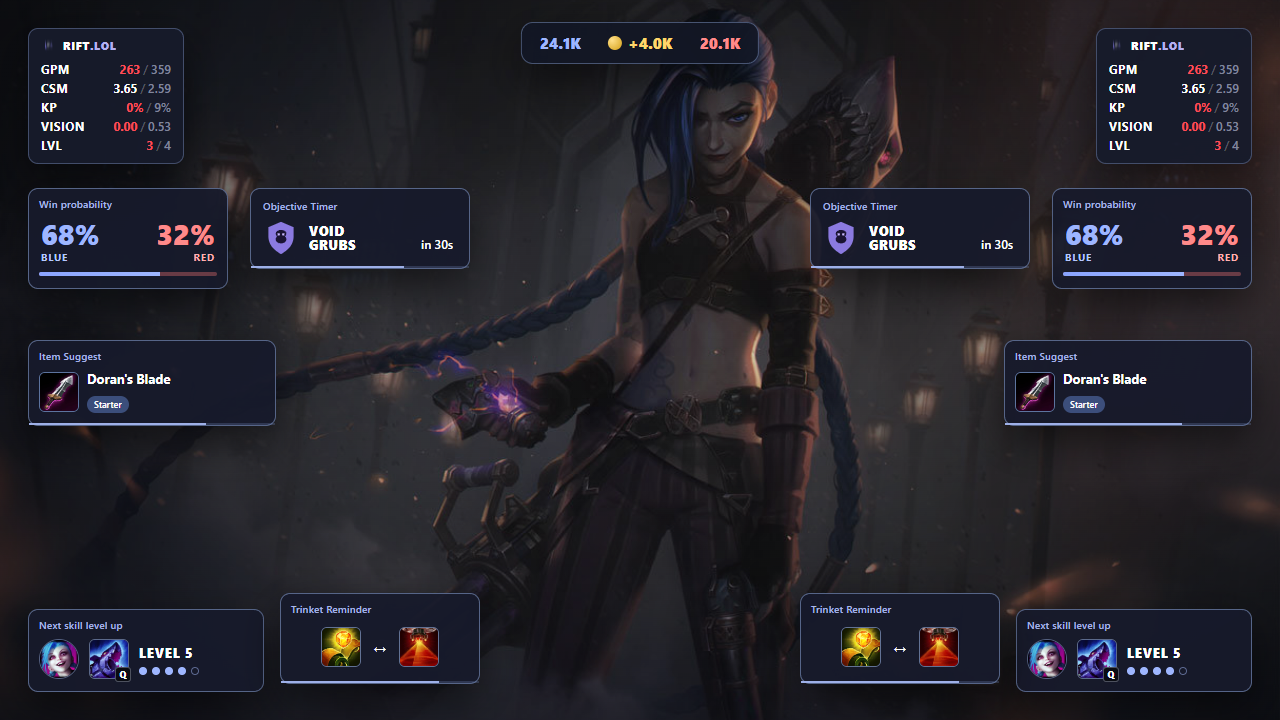
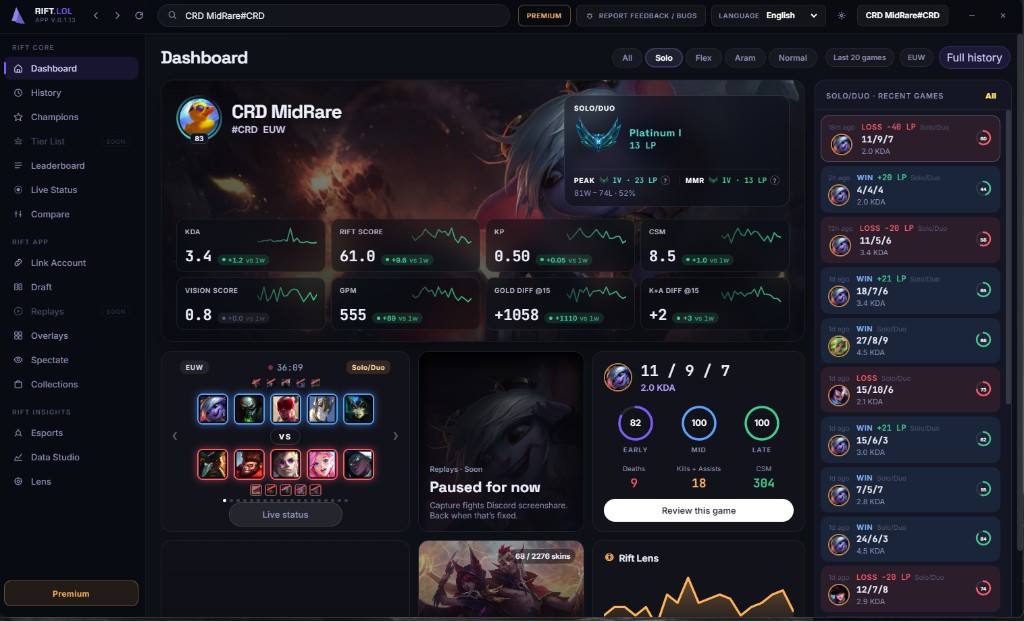
Ranked dashboard
Rank, LP, KDA, rift score, KP, CS/min, vision, gold @15 — plus live status and recent Solo/Duo form on one screen.
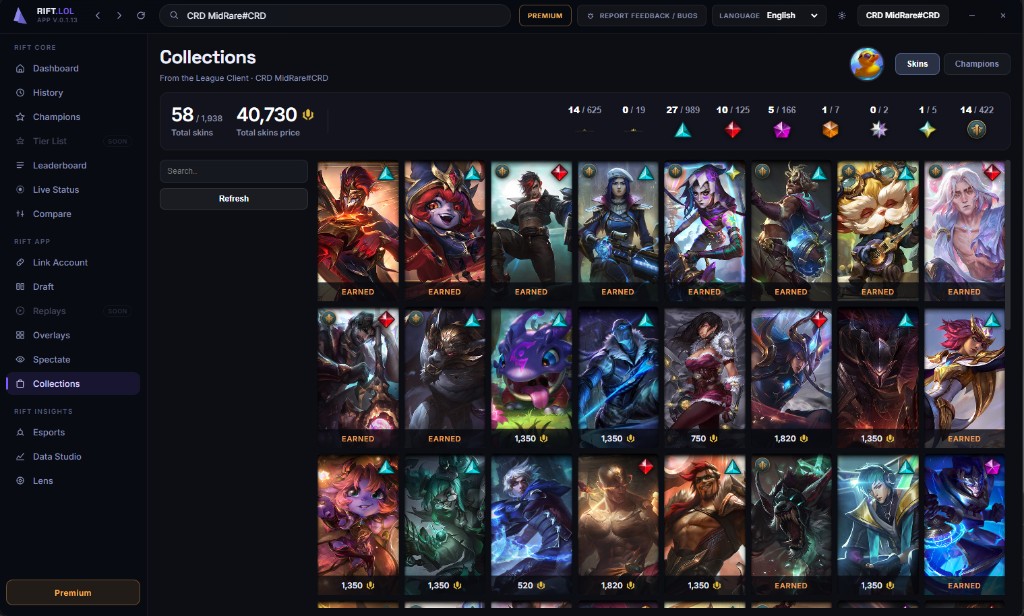
Collections
Pull your owned skins straight from the League client — rarity breakdown, RP total, and a grid that feels like your wardrobe, not a spreadsheet.
Rift Lens · Premium
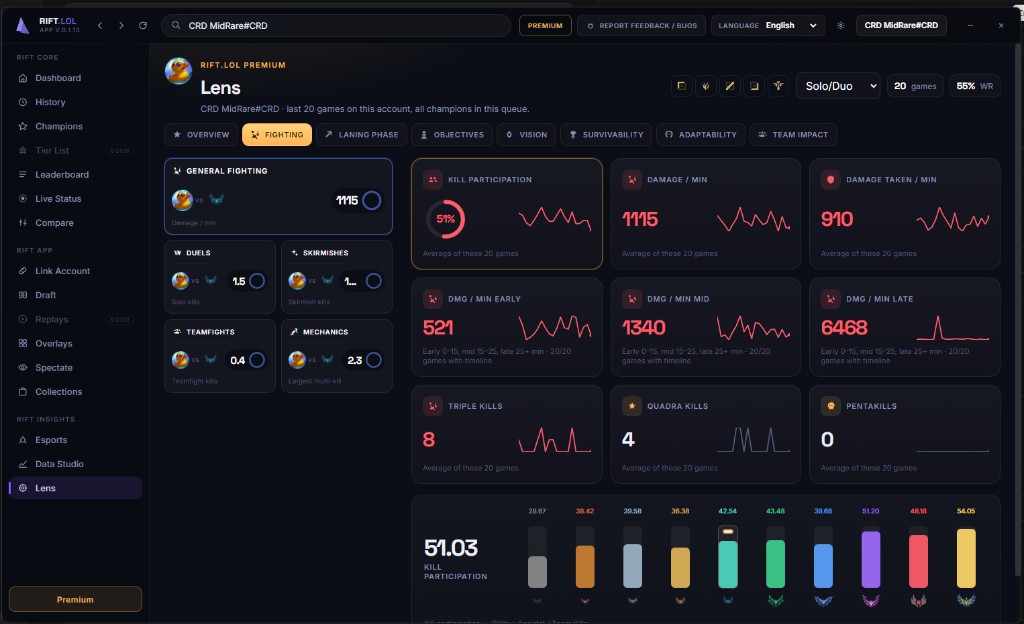
Lens breaks fighting, laning, objectives, vision, and team impact across your last games — with sparklines and rank benchmarks.
Step 2 · Download
After checkout, install the app and activate Premium with your Stripe session id.
Shortcut, uninstaller, and in-app updates when a new version ships.
Download SetupRift.lol-Setup-0.1.13.exe
cs_…)v0.1.13 · Windows 10/11 · Unsigned beta — SmartScreen: More info → Run anyway. Overlays need Borderless or Windowed in League (Esc → Video).
FAQ
Premium unlocks the full Rift.lol Windows desktop app — overlays, draft, spectate, collections, Lens, Data Studio, and everything we ship. The website stays free for browsing match history, builds, and leaderboards.
Rift.lol is Windows-only for now (Windows 10/11). A Mac build is not available yet.
Yes. Rift uses Riot’s official APIs and League’s local Live Client Data for overlays. It does not inject into the game client or automate play. Always follow Riot’s Terms of Service.
Download the Setup installer from this page, run it, then link your Riot ID (Name#TAG) in the app. If Windows SmartScreen warns, click More info, then Run anyway — the build is not code-signed yet.
Cancel anytime from your Stripe customer portal or the Premium page in the app. You keep access until the end of the billing period you already paid for.
Pick a different plan (1 month, 6 months, or 1 year) on the Premium page in the app. Upgrades and renewals are handled through checkout; you won’t be double-billed for unused time when Stripe is configured.
Lens is a Premium insight view across your recent games — fighting, laning, objectives, vision, survivability, and team impact, with sparklines and rank benchmarks.
Premium is tied to your device and the Riot ID you link in the app. You can switch the linked account, but each Premium seat is meant for one active player setup — not unlimited shared logins.
Open Link Account in the app, enter your Riot Name and TAG, and verify. Stats, draft, and scout then load for that player on your PC.
No. Use Borderless or Windowed in League (Esc → Video). Exclusive Fullscreen cannot show a desktop HUD on top of the game.
Rift.lol isn't endorsed by Riot Games and doesn't reflect the views or opinions of Riot Games or anyone officially involved in producing or managing League of Legends. League of Legends and Riot Games are trademarks or registered trademarks of Riot Games, Inc.
 Rift Premium — full desktop app from €4.99/mo